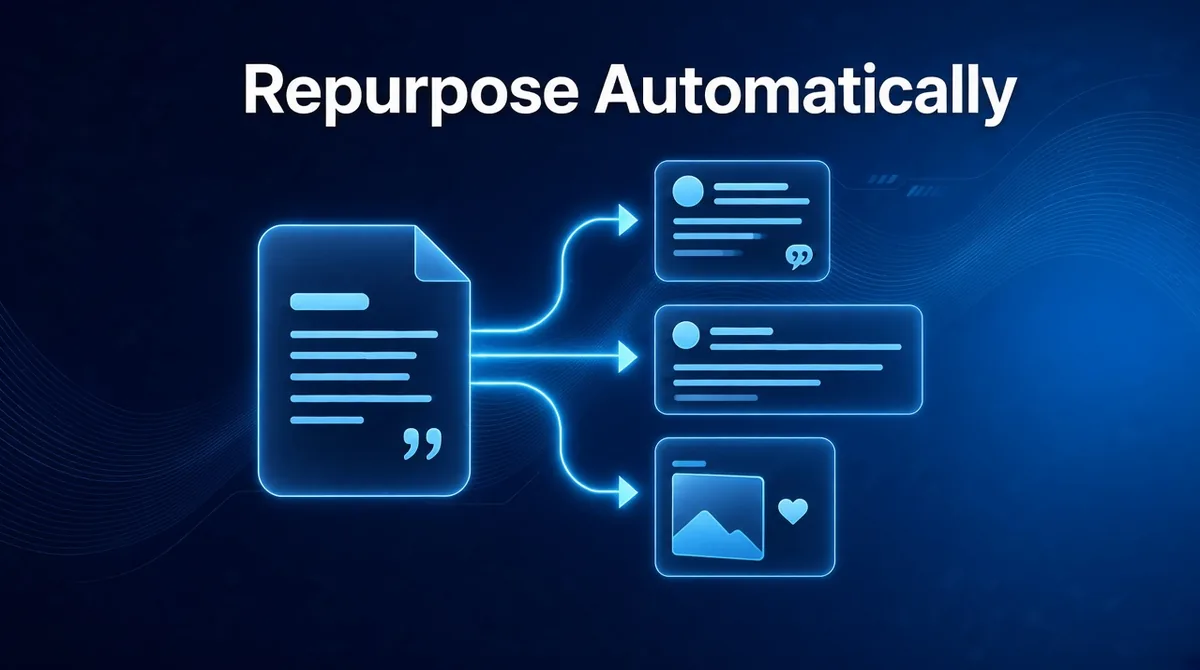
You already have more content than you think. Blog posts, newsletters, podcast notes, product updates, client case studies, the talk you gave last spring. Most of it was published once, shared once, and quietly forgotten.
Meanwhile, your social feeds go quiet whenever you get busy.
Repurposing fixes both problems. Every piece of long-form content can become a week of posts. The trouble is that repurposing by hand is slow, fiddly work. So let's take the "by hand" part out of it.
Why repurposing is the smartest content strategy you're not running
The ideas in your best article are just as good on LinkedIn as on your blog. Most of your followers never saw the original. And a strong idea, said a few different ways, sticks far better than a new idea every day.
Repurposing also solves the hardest part of posting consistently: knowing what to say. You've already said it. You just need it reshaped for each platform.
That reshaping is where it usually falls apart. A blog post isn't a thread. A newsletter isn't a LinkedIn post. Turning one into the other takes a writer who understands both, and the time to do it every single week.
How ViralSky turns one piece into many
ViralSky writes viral posts and threads for X, LinkedIn, Facebook and Threads from proven viral templates, in your voice. Give it your source material and it pulls out the hooks, the stories and the takeaways, then shapes each one for the platform it's headed to:
- A tight X thread that walks through your key points one beat at a time.
- A story-led LinkedIn post that opens with the moment that matters.
- A conversational Facebook update for your Page.
- A matching AI image sized for each platform.
Post in more than one language? ViralSky writes in around 74 of them, so one article can reach several markets.
Then it schedules everything to your connected X, LinkedIn and Facebook Pages, or publishes straight away. Threads scheduling is coming soon.
Five repurposing pipelines worth automating
With ViralSky's Make.com support, webhooks and API, each of these can run on its own once it's set up.
1. Blog post to a week of social
When a new article appears in your blog's RSS feed, ViralSky writes an X thread and a LinkedIn post from it, makes an image, and sends the drafts for review. Every article you publish now promotes itself.
2. Newsletter to LinkedIn
Your newsletter already contains your best thinking each week. Turn each issue into a LinkedIn post that teases the main idea and brings new readers back to subscribe.
3. Product updates to launch posts
For founders: when release notes land in your spreadsheet or project tool, ViralSky turns them into announcement posts built only from what you actually shipped. No more features nobody heard about.
4. Industry news to timely takes
Pick the news sources you follow. For each new story, ViralSky drafts a post with a point of view, and you add your opinion before it goes out. Timely content without refreshing headlines all day.
5. Weekly idea bank for the team
Every Monday, ViralSky generates fresh ideas for your niche and drops them into a shared sheet. Your team, or your future self, never starts the week staring at a blank page.
Before and after: a small agency's Monday
Imagine a three-person agency managing social for six clients. Each client sends over a blog post or newsletter every week, with the same request: "can you make some social posts from this?"
Before: Monday is copy-and-paste day. Someone reads each article, writes the posts, reformats them for each network, sources images, and schedules them one client at a time. It eats the whole day, and it's the least creative work the agency does.
After: Each client has a Make.com scenario. New content comes in, ViralSky drafts platform-ready posts and images, and the drafts land in a review channel. The team spends Monday doing what clients actually pay for: sharpening the angle, adding the brand's personality, and approving. The schedule fills itself.
Same output, a fraction of the grind, and more time for strategy.
Keep repurposed posts fresh, not recycled
- Lead with one idea per post. Don't summarize the whole article. Pull one strong point and give it room.
- Stick to the source. ViralSky can write from the material you provide, so posts stay true to what you actually said, with no made-up numbers.
- Review, then trust. Keep a quick approval step, especially for client accounts. Thirty seconds of human judgment protects the brand.
- Space it out. Spread posts from one article across the week rather than firing them all at once.
Prefer to do it from a chat?
Not every repurposing job needs a pipeline. With ViralSky connected to ChatGPT, Claude or Cursor, you can paste in an article and say:
"Turn this blog post into an X thread and a LinkedIn post, make an image for each, and schedule them for Tuesday and Thursday at 9am."
Just add https://viralsky.ai/api/mcp in your assistant's connectors and approve access. No API key needed. See how to turn your AI assistant into a social media manager, or the full week-in-one-chat routine. For the bigger picture on automation, read how to automate social media posts without losing your voice.
What you need
- A ViralSky Max plan or AppSumo Tier 3, which include the API, webhooks, Make.com automation and the assistant connection. There's a lifetime deal on AppSumo too. See pricing.
- Your X, LinkedIn and Facebook Pages connected in ViralSky.
- A Make.com account, or a developer if you want to use the API directly. Zapier and n8n are on the roadmap.
Setup details live in the Help Center.
Your back catalog is your content calendar
Stop letting good work disappear after one share. Let ViralSky turn everything you've already made into posts that keep working for you.
Turn every article, newsletter and update into a week of posts. Create your ViralSky account and set up your first repurposing pipeline.