Every creator knows the Sunday-night feeling. The week is about to start, the content calendar is empty, and "I'll post every day this week" already sounds optimistic.
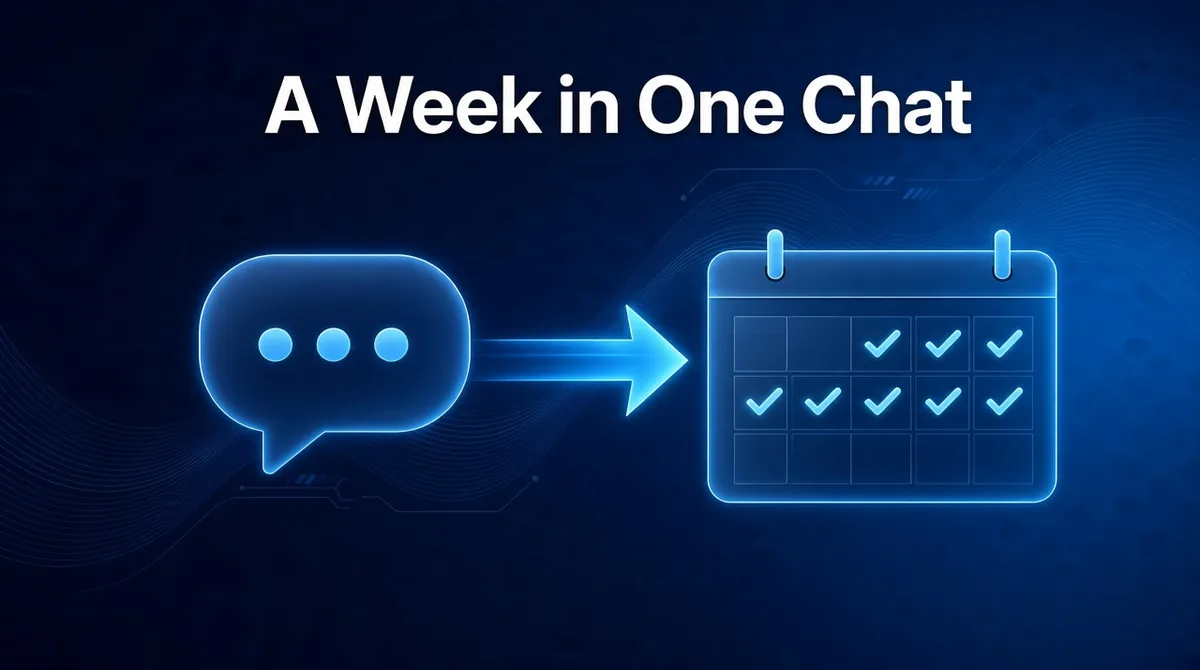
Here's a better plan: open ChatGPT or Claude, have one conversation, and close it with a full week of posts written in your voice and scheduled to X, LinkedIn and Facebook. No scheduler tabs. No copy and paste. Just a chat.
This is what happens when your AI assistant is connected to ViralSky. Here's how the routine works, and why it's the easiest way we know to finally post consistently.
Consistency is a workflow problem, not a willpower problem
Ask anyone who grew an audience what worked, and they'll say some version of "show up regularly." Ask why most people don't, and the honest answer is friction.
Posting once means: find an idea, write it, adapt it for each platform, find an image, open a scheduler, pick a time. Every step is small. Together they are a part-time job. So posting becomes the first thing to slip when real work shows up.
Batching fixes that. You do all the thinking in one sitting, while you're in the zone, and let the posts go out on their own all week. The catch has always been that batching takes a long, tedious session. With your assistant doing the legwork, it doesn't.
The one-conversation weekly routine
Once ViralSky is connected to your assistant, a full week can look like this.
1. Start with ideas, not a blank page
Ask for ideas in your niche and let your assistant shortlist them:
"Give me 10 post ideas for freelance designers. Pick the five strongest for this week and tell me why in one line each."
You keep the ones that feel like you and swap the rest. Two minutes, and your week has a plan.
2. Turn each idea into a post that's built to travel
Your assistant writes each post through ViralSky, which shapes it with proven viral templates: a hook that stops the scroll, a structure that keeps people reading, and an ending that invites replies. It also formats each version for its platform. The same idea becomes a punchy X thread, a story-driven LinkedIn post and a friendly Facebook update.
Read them like an editor. Ask for a sharper opening, a shorter middle, or a line that sounds more like you. That's the part only you can do, and it's the part that makes the posts yours.
3. Add images that fit
Ask for an image per post and ViralSky creates one sized for the platform it's going to. No more cropping a square graphic into a LinkedIn banner and hoping for the best.
4. Put the week on the calendar
"Looks good. Schedule one post per weekday at 8:30am to my LinkedIn, and the X threads at noon. Read the plan back to me first."
Your assistant reads back the schedule, you say yes, and the posts land on your ViralSky calendar. You can still open the scheduler in your browser to tweak or cancel anything.
5. Check in mid-week
Plans change. A client call runs long, or something big happens in your industry. Just ask:
"What do I have going out tomorrow? Swap it for a post about this news story, and publish it now."
That's it. The calendar keeps up with your week instead of the other way round.
Before and after: one creator's Sunday
Imagine Jonas, a freelance designer who wants more inbound clients from LinkedIn and X.
Before: Sunday evening goes to content. He drafts in one app, rewrites in another, exports graphics, and schedules each post by hand. By post three he's tired and the last two feel rushed. By Wednesday he's off the plan.
After: Sunday evening is one conversation with Claude. He picks five ideas, edits the drafts until they sound like him, approves the images, and asks for everything to be scheduled. He spends his energy on the words, not the logistics, and the week runs itself.
That's not a promise of overnight virality. It's something more useful: a routine you can actually keep.
Why do it from a chat instead of a dashboard?
- You're already there. If you spend your day in ChatGPT or Claude, your social media now lives in the same place.
- You plan in plain language. "Mornings on LinkedIn, lunchtime on X" is easier to say than to click.
- It adapts across platforms for you. One idea, three formats, three accounts, one request.
- You stay in control. Nothing goes out until you approve it, and every post shows up in ViralSky where you can edit or cancel it.
A few habits that keep it sounding like you
- Give it your raw material. Paste your notes, a client story or a voice memo transcript, and ask for posts built only from that. Your real experiences are what make a post worth reading.
- Show it your best work. Paste two or three of your favorite past posts and ask it to match the tone.
- Always say "show me first." Treat drafts as a first pass from a fast assistant, then add the one line only you would write.
What you need to get started
Three things, all done once:
- A ViralSky account on the Max plan or AppSumo Tier 3. These include the assistant connection. See pricing.
- Your X, LinkedIn and Facebook Pages connected in ViralSky. Threads scheduling is coming soon. Follow it on the roadmap.
- ViralSky added to ChatGPT, Claude or Cursor. Add https://viralsky.ai/api/mcp in your assistant's connectors and approve access. No API key needed. The Help Center has the details for each assistant.
New to the idea of letting your assistant handle social? Start with how to turn ChatGPT or Claude into your AI social media manager. Want the same routine running with nobody at the keyboard? Read how to automate social media posts without losing your voice.
Your next Sunday can be different
The empty calendar doesn't have to win. One conversation, one batch, one week of posts that sound like you. Then close the laptop.
Plan, write and schedule your week from one chat. Create your ViralSky account, connect your socials, and add ViralSky to your AI assistant.