"Automate your social media" usually means one of two things. Either a scheduler that still needs you to write every post, or a bot that floods your feed with bland content nobody asked for.
Neither is what you want. You want posts that sound like you, built on ideas that actually travel, going out on time even when you're slammed. And you want it without hiring a social media manager or spending your Sundays in a content calendar.
That's the job ViralSky's automation was built for. Here's how it works, who it's for, and how to set it up so automation never costs you your voice.
Why most social media automation feels robotic
Classic automation is great at the "when" and terrible at the "what." It can post at 9am every Tuesday. It can't make that post worth reading.
Generic AI writing tools have the opposite problem. They can write, but every post comes out in the same polite, list-heavy style your audience has learned to scroll past. Plug one into an automation and you just get more of that, faster.
Good automation needs both halves: a writer that understands social media, and a pipeline that delivers on schedule. ViralSky gives you both in one place.
What ViralSky automates
- Writing. Viral posts and threads for X, LinkedIn, Facebook and Threads, in your voice, built from proven viral templates.
- Ideas and news. Fresh topic ideas for your niche, and timely posts written from the news you care about.
- Visuals. AI images sized for each platform.
- Languages. Output in around 74 languages, handy if you post for more than one market.
- Publishing. Schedule or publish to your connected X, LinkedIn and Facebook Pages. Threads scheduling is coming soon.
You can use all of this by hand in the ViralSky app. Automation means it can also run from the tools you already use, with nobody clicking anything.
Three ways to put it on autopilot
1. Make.com: no code, just building blocks
If you can build a simple scenario in Make.com, you can automate ViralSky. Pick a trigger, such as a new row in a spreadsheet, a new item in an RSS feed or a new entry in your project tool. Send it to ViralSky to write the post, then schedule it or route it to Slack for a quick approval first.
It's the fastest way for a creator, a founder or a small agency to go from "I wish this happened automatically" to "it does."
2. Webhooks: let ViralSky tell your tools when content is ready
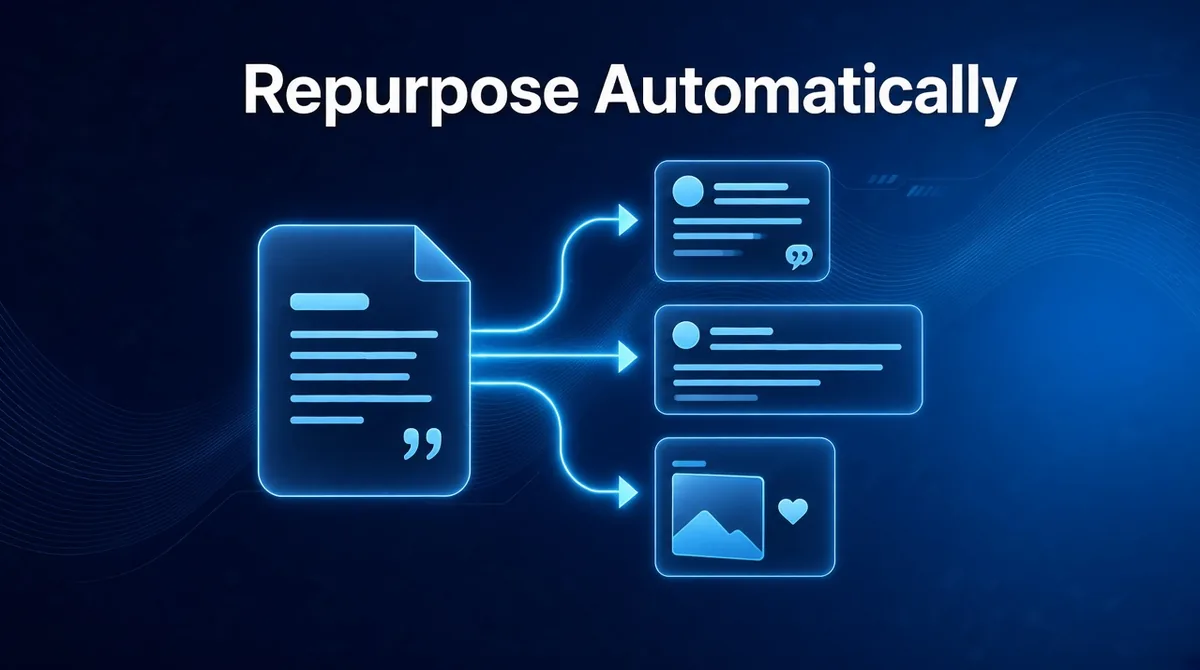
Every time ViralSky finishes a piece of content, it can notify another app. That can kick off the next step: drop the draft into a shared doc, ping your team, or start a Make.com scenario. Your content flows through your business without anyone copying and pasting.
3. The ViralSky API: for teams with a developer on hand
If you have a developer, or you are one, the public REST API connects ViralSky to your own product, website or internal tools. The same writing engine and scheduler, built right into your stack.
Prefer to just talk to it? The same features are available in ChatGPT, Claude and Cursor through our hosted MCP connection. Read how to turn your AI assistant into a social media manager.
Zapier and n8n integrations are on the roadmap but aren't live yet. Make.com, webhooks and the API work today.
Before and after: a founder's launch week
Imagine Priya, who runs a small B2B software company with three people and no marketer.
Before: Every time the team ships a feature, someone is supposed to "post about it." Sometimes they do, two weeks late, with a screenshot and a sentence. Mostly they don't. The product keeps improving, and the audience never hears about it.
After: Priya sets up one Make.com scenario. When a release note is added to the team's spreadsheet, ViralSky writes a LinkedIn post and an X thread built only from those notes, creates an image, and sends both to Slack. Priya reads them over lunch, gives a thumbs up, and they're scheduled for the next morning. Shipping and announcing are now the same thing.
That's the kind of automation that pays off. Not more noise, just the posts you meant to write anyway.
How to automate without sounding like a bot
Feed it real material
The best automated posts start from something real: your release notes, a blog post, a client win, meeting notes. ViralSky can write from the sources you give it, so your posts are built on your facts and your stories instead of invented ones.
Keep a quick human check
Route drafts to Slack, email or a shared doc for a 30-second look before they're scheduled. Automation does the heavy lifting. You keep the final say.
Automate the repetitive, not the personal
Announcements, recaps, news reactions and repurposed content are perfect for a pipeline. Your hot takes and personal stories deserve a few minutes of your attention. Use automation to free up time for exactly those posts.
Let the platforms be different
An X thread isn't a LinkedIn post with line breaks. ViralSky formats each one for where it's going, so your automation doesn't paste the same wall of text everywhere.
Who gets the most out of it
- Solopreneurs and founders who know they should post more and never have time to.
- Creators who publish long-form content and want every piece to keep working on social.
- Small agencies managing several brands, who want a repeatable, reviewable pipeline per client.
If you're an agency or a creator sitting on a back catalog of content, read how to repurpose your content into social posts automatically for ready-made pipeline ideas. If you'd rather start by hand, try scheduling a week of posts in one chat.
Plans and pricing
API, webhooks, Make.com automation and the assistant connection are included in the ViralSky Max plan and AppSumo Tier 3. There's also a lifetime deal on AppSumo. Compare plans on the pricing page, and find setup details in the Help Center.
Automate the busywork. Keep the voice.
Your audience wants to hear from you regularly. ViralSky makes sure they do, with posts that still sound like you wrote them.
Put your social media on autopilot, the right way. Create your ViralSky account and connect your first automation today.